How to Test React & Vue Frontends Without a Backend Using Fake REST APIs

Frontend development frequently stalls when backend database schemas, authentication routes, or microservice endpoints are still under construction. Hardcoding static arrays directly inside your React or Vue components creates messy cleanup work later and fails to test real asynchronous loading spinners, network latency, and HTTP error states.
Using a live mock REST endpoint solves this bottleneck by letting your frontend execute genuine fetch or axios network requests against realistic JSON payloads from day one.
Why Hardcoded Dummy Arrays Fail in Real Frontend Testing
No Network Latency Simulation: Local JavaScript arrays resolve instantaneously, hiding missing loading skeletons, disabled submit buttons, or race conditions during slow mobile connections.
Missing HTTP Status Handling: Hardcoded data rarely tests how your UI reacts to
401 Unauthorized,404 Not Found,422 Validation Error, or500 Server Errorresponses.Painful Production Refactoring: Replacing local dummy imports across 15 components introduces bugs when switching to live API URLs. Environment variables (
VITE_API_BASE_URLorNEXT_PUBLIC_API_URL) pointing to a hosted mock endpoint allow a zero-code switch when the real backend ships.
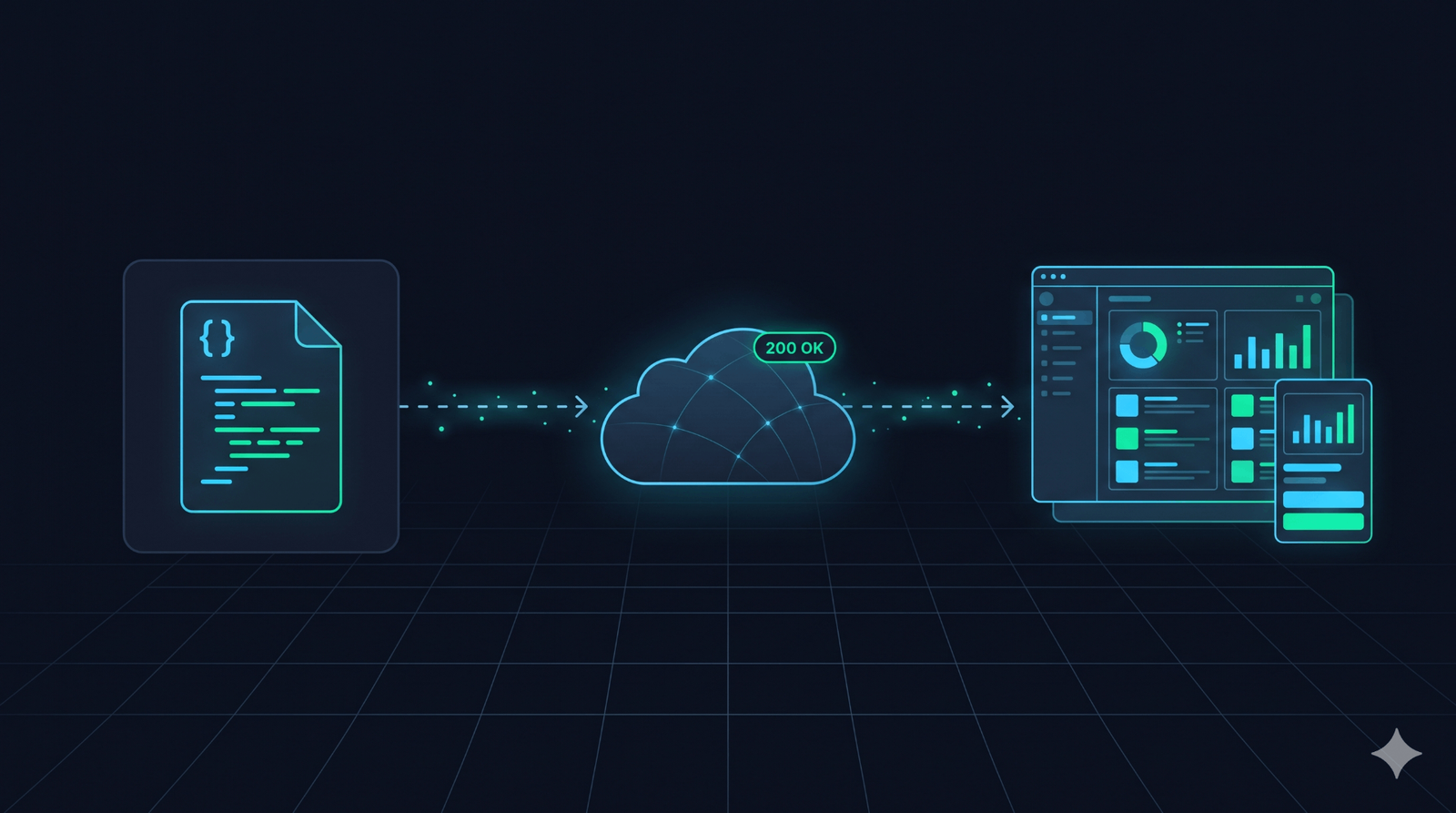
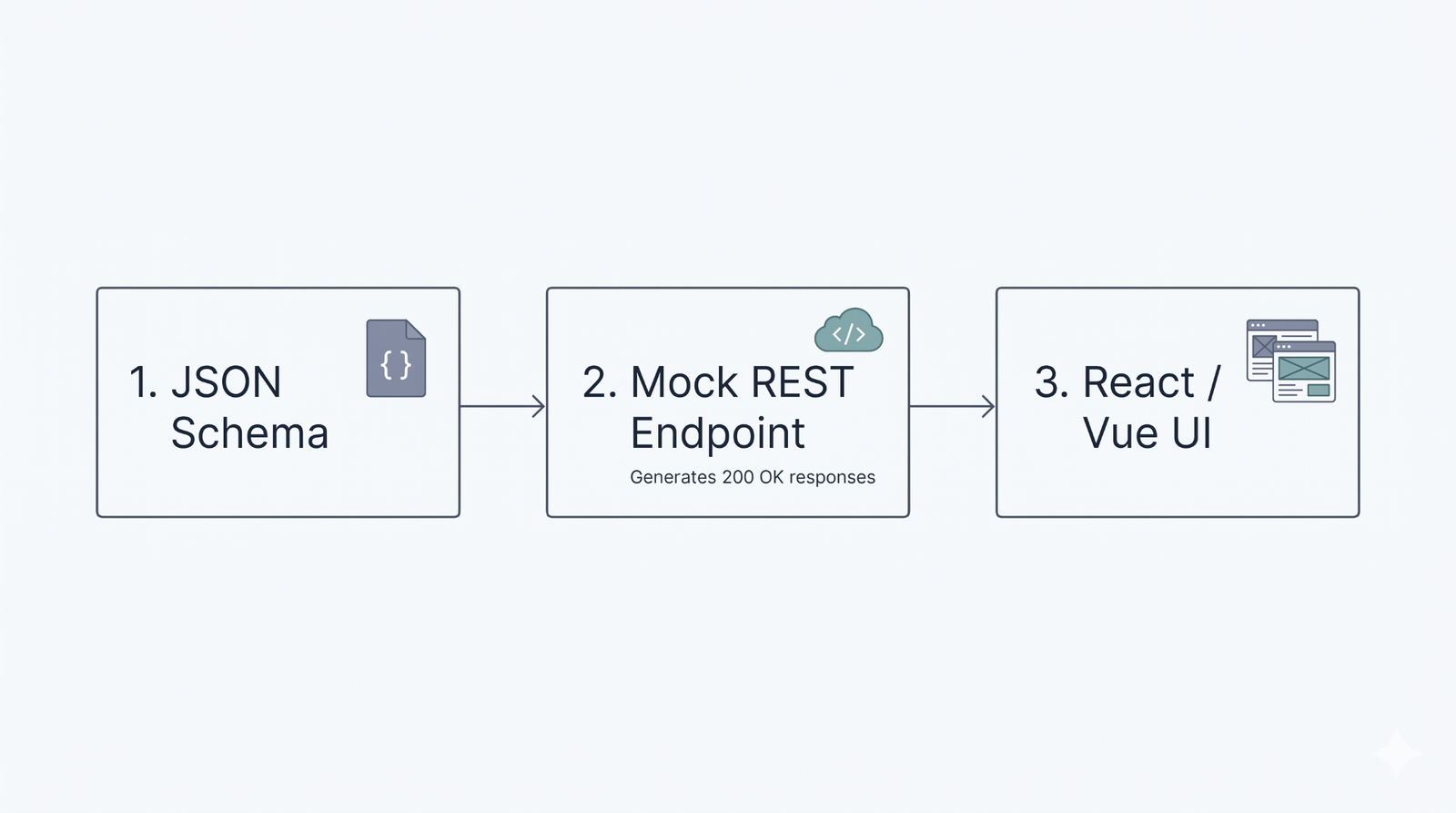
Instead of waiting for backend deployment, modern teams agree on the JSON contract first and develop both sides in parallel:
Define the JSON Schema: Agree on field names, data types, and pagination keys.
Spin Up a Hosted Mock URL: Generate a live HTTPS endpoint returning that exact payload.
Build & Test All UI States: Wire up your React hooks or Vue composables against the mock URL, testing empty states, large lists, and error banners before swapping the base URL to production.
Step 1: Define Your Custom JSON Response Schema
Before writing component state logic, map out the exact JSON structure your UI expects—including nested objects, arrays, and pagination metadata.
For example, an e-commerce product listing endpoint typically returns:
JSON
{
  "status": "success",
  "page": 1,
  "per_page": 10,
  "total": 42,
  "data": [
    {
      "id": 101,
      "title": "Wireless Mechanical Keyboard",
      "price": 89.99,
      "in_stock": true,
      "tags": ["peripherals", "office"]
    },
    {
      "id": 102,
      "title": "USB-C Docking Station",
      "price": 129.50,
      "in_stock": false,
      "tags": ["accessories", "workspace"]
    }
  ]
}
You can generate live, hosted endpoints with custom JSON structures immediately using the free Fake API Generator on DevToolbox without setting up Node/Express servers or maintaining local db.json files. If you need to clean up or validate complex nested payloads before creating your endpoint, format them first with the JSON Formatter & Validator.
Step 2: Connect the Mock Endpoint in React or Vue
Store your generated mock API URL in your .env file so switching to your live staging or production server requires changing only a single environment variable:
Code snippet
VITE_API_BASE_URL=https://www.devtoolbox.co.in/api/mock/your-endpoint-id
React Example (useEffect + fetch)
JavaScript
import { useEffect, useState } from 'react';

export function ProductList() {
  const [products, setProducts] = useState([]);
  const [loading, setLoading] = useState(true);
  const [error, setError] = useState(null);

  useEffect(() => {
    async function loadProducts() {
      try {
        const res = await fetch(`${import.meta.env.VITE_API_BASE_URL}?page=1`, {
          headers: {
            'Accept': 'application/json',
            'Authorization': 'Bearer test-token-123'
          }
        });

        if (!res.ok) {
          throw new Error(`Request failed with status ${res.status}`);
        }

        const json = await res.json();
        setProducts(json.data || []);
      } catch (err) {
        setError(err.message);
      } finally {
        setLoading(false);
      }
    }

    loadProducts();
  }, []);

  if (loading) return <p>Loading products...</p>;
  if (error) return <p>Error: {error}</p>;

  return (
    <ul>
      {products.map((item) => (
        <li key={item.id}>{item.title} — ${item.price}</li>
      ))}
    </ul>
  );
}
Vue 3 Composition API Example (<script setup>)
Code snippet
<script setup>
import { ref, onMounted } from 'vue';

const products = ref([]);
const loading = ref(true);
const error = ref(null);

onMounted(async () => {
  try {
    const res = await fetch(`${import.meta.env.VITE_API_BASE_URL}?page=1`, {
      headers: {
        'Accept': 'application/json',
        'Authorization': 'Bearer test-token-123'
      }
    });

    if (!res.ok) {
      throw new Error(`HTTP error ${res.status}`);
    }

    const json = await res.json();
    products.value = json.data || [];
  } catch (err) {
    error.value = err.message;
  } finally {
    loading.value = false;
  }
});
</script>

<template>
  <p v-if="loading">Loading products...</p>
  <p v-else-if="error">Error: {{ error }}</p>
  <ul v-else>
    <li v-for="item in products" :key="item.id">
      {{ item.title }} — ${{ item.price }}
    </li>
  </ul>
</template>
Step 3: Inspect Headers, CORS, and Webhook Payloads
When integrating third-party or mock endpoints, browser console errors often stem from missing CORS headers (Access-Control-Allow-Origin) or mismatched Content-Type headers rather than frontend component bugs.
Use the DevToolbox HTTP Request Builder to test
GET,POST,PUT, andDELETErequests with custom Bearer tokens and inspect raw response headers before wiring them into your UI.If your application processes asynchronous payment or CRM callbacks, test incoming JSON payloads with the Webhook Simulator to verify signature headers and payload parsing.
Best Practices for Clean Frontend API Mocking
Test Edge Cases Early: Create separate mock endpoints returning empty arrays (
"data": []), extra-long titles, andnulloptional fields to verify your CSS layouts never overflow or crash.Match Production Data Types: Avoid returning stringified numbers (
"89.99") if your live backend will return floats (89.99), preventing subtle.toFixed()runtime errors later.Validate Structured Data Before Launch: Once your frontend pages are ready for deployment, verify your page metadata and JSON-LD schema with the Website SEO Checker and Schema Markup Generator to ensure search engines index your application cleanly.
Post-Publish Action (Takes 2 Minutes)
Link Back from Your Tool Page: On your Fake API Generator page, add a link in the bottom guide section pointing to this new blog URL (
How to Test React & Vue Frontends Without a Backend Using Fake REST APIs). Two-way internal linking strengthens both pages.Request Indexing: Paste the new blog URL into Google Search Console → URL Inspection and click Request Indexing.